📡 Overview
Regions control how messages are forwarded across the MeshCore network. Setting a region ensures traffic stays local and prevents unnecessary flooding.
🔧 Repeater Setup
Requirements
- Firmware version
1.11.0or newer
Configuration Steps
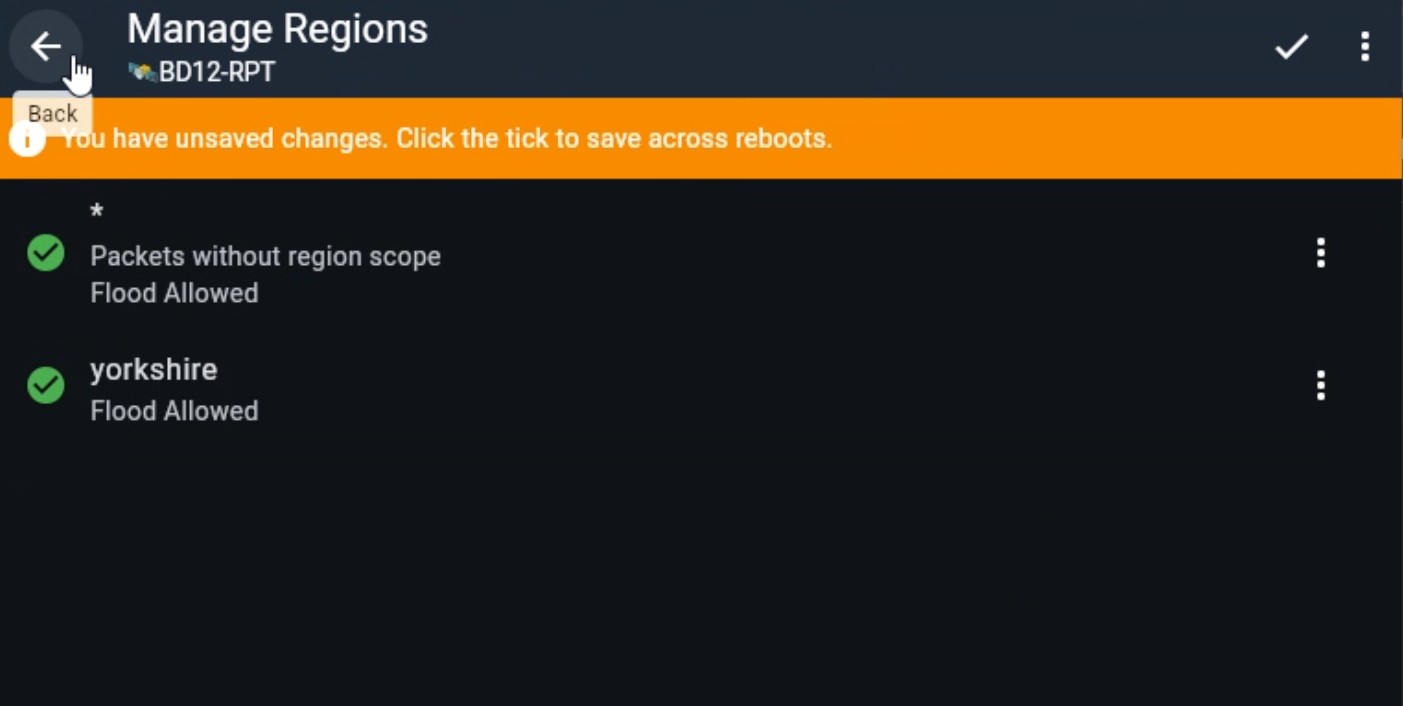
1. Log in to the repeater management interface
2. Go into Settings
3. Click on Manage Regions
4. Click the ⋮ (top right)
5. Select Default Region or add region (FW Dependant)
6. Enter
yorkshire7. Click the ✓ tick icon to save
📱 Companion Setup
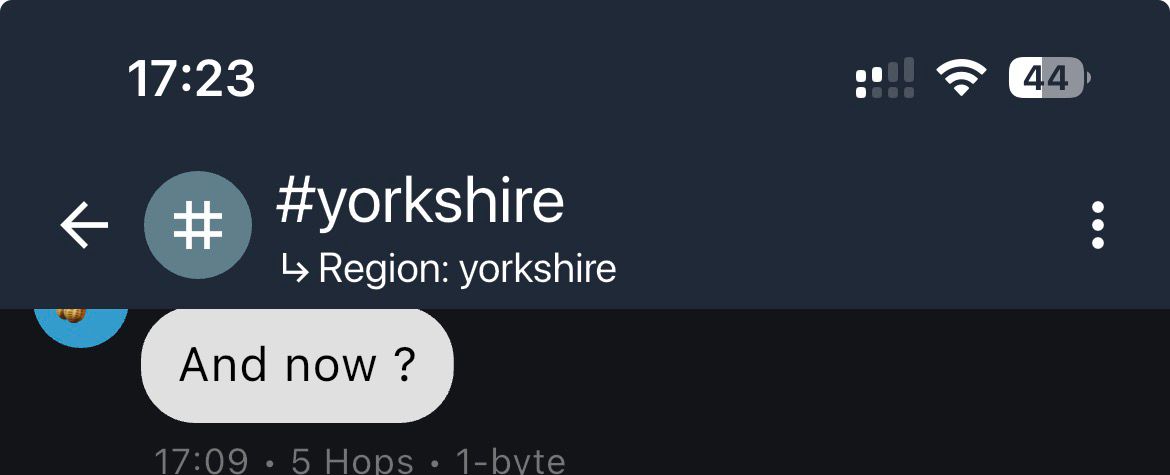
Per Channel
- Open a channel
- Use the top-right menu ⋮
- Click on Set Region Scope
- Click the +
- Enter
yorkshire - Click on the tick (This should bring you back to the list)
- Click on "Yorkshire" from the list, this should drop back to the channel
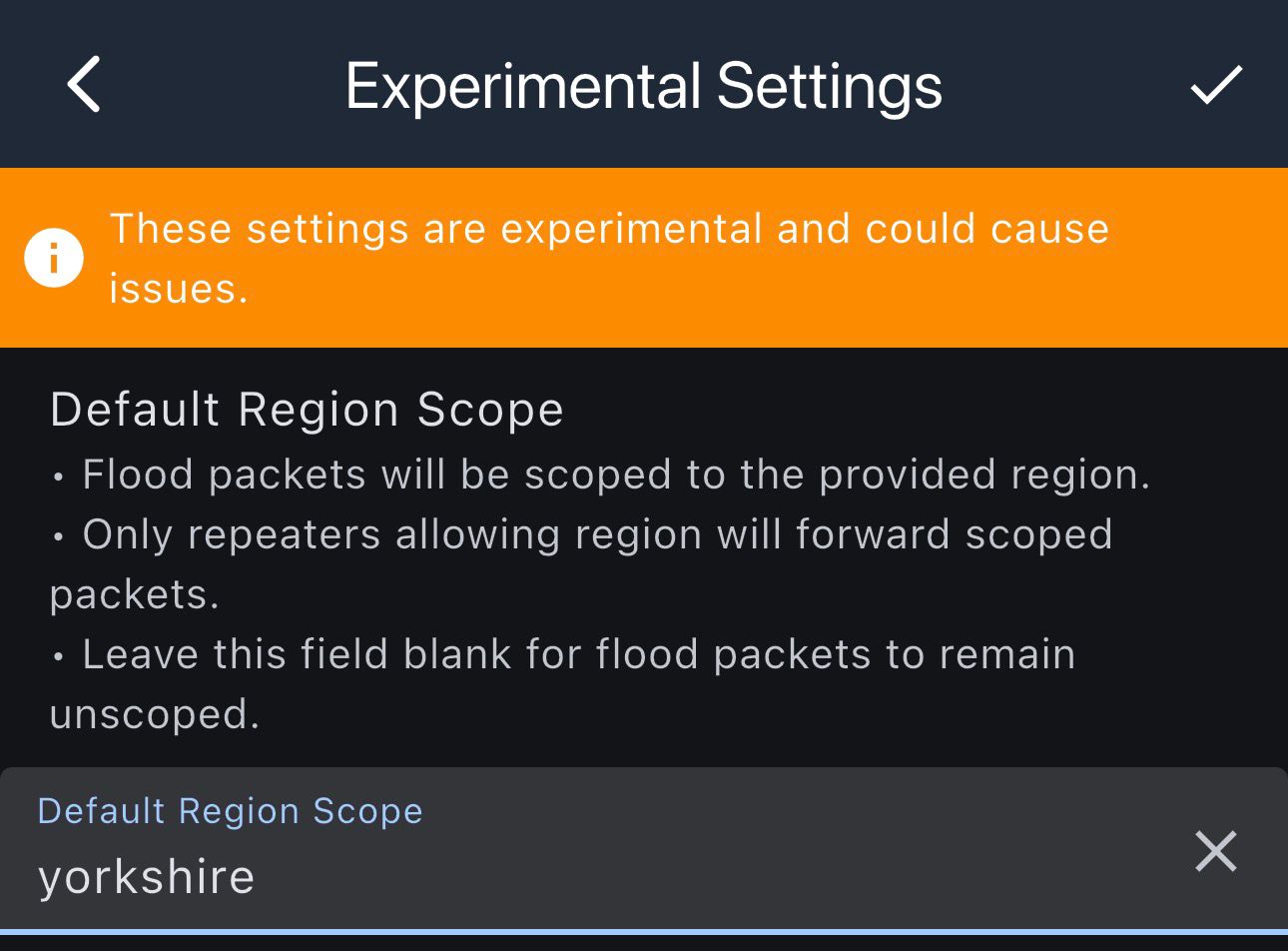
Per Device (Experimental) MeshCore APP
- Go to Settings → Experimental
- Assign a default region
💡 Notes
- Region must be lowercase
- All repeaters should match region naming
- Always confirm changes with the ✓ save icon
Correct setup prevents unnecessary rebroadcasting and keeps the network efficient.